
Triage and archive
Review incoming issues, set completed work aside, and restore it.
Review the triage queue
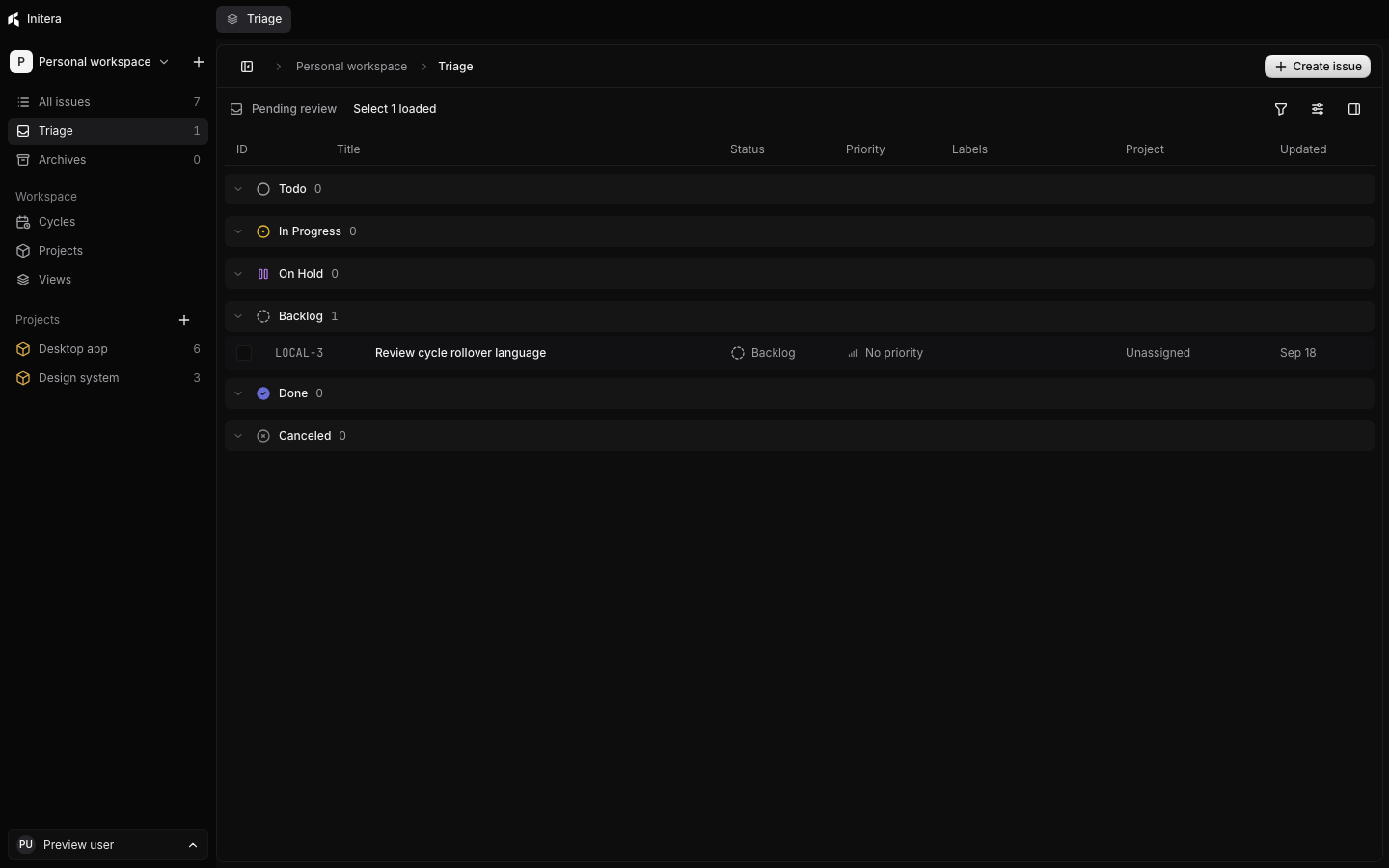
Select Triage in the sidebar. Open an issue to read its title, description, project, labels, and relations before you decide. A triage issue has not entered the active issue list yet.
Select Accept to move it into active work. Choose the status it should have after acceptance. Select Decline to close the intake decision; you can write an optional reason. The dialog lists the identifiers it will change.
Decide on several issues
Use Select loaded above the triage list, or select individual issues. The list selects up to 100 loaded records at a time. Select Accept or Decline, then read the count and identifiers in the confirmation dialog. One confirmation applies the decision to the selected issues together.
If you need different statuses or decline reasons, split the selection and process each group in turn. Clear the selection when you finish.
Archive an issue
Use Archive issue on an open issue or its context menu when you want it out of active views but still need its content and history. The issue moves to Archives. If it has children, choose whether to archive the whole tree, make the children top-level issues, or move them under another parent.
Archiving does not archive the issue's project or labels. The project can still show its own active work. Read Sub-issues and relations before you archive a parent with a large tree.
Restore an archived issue
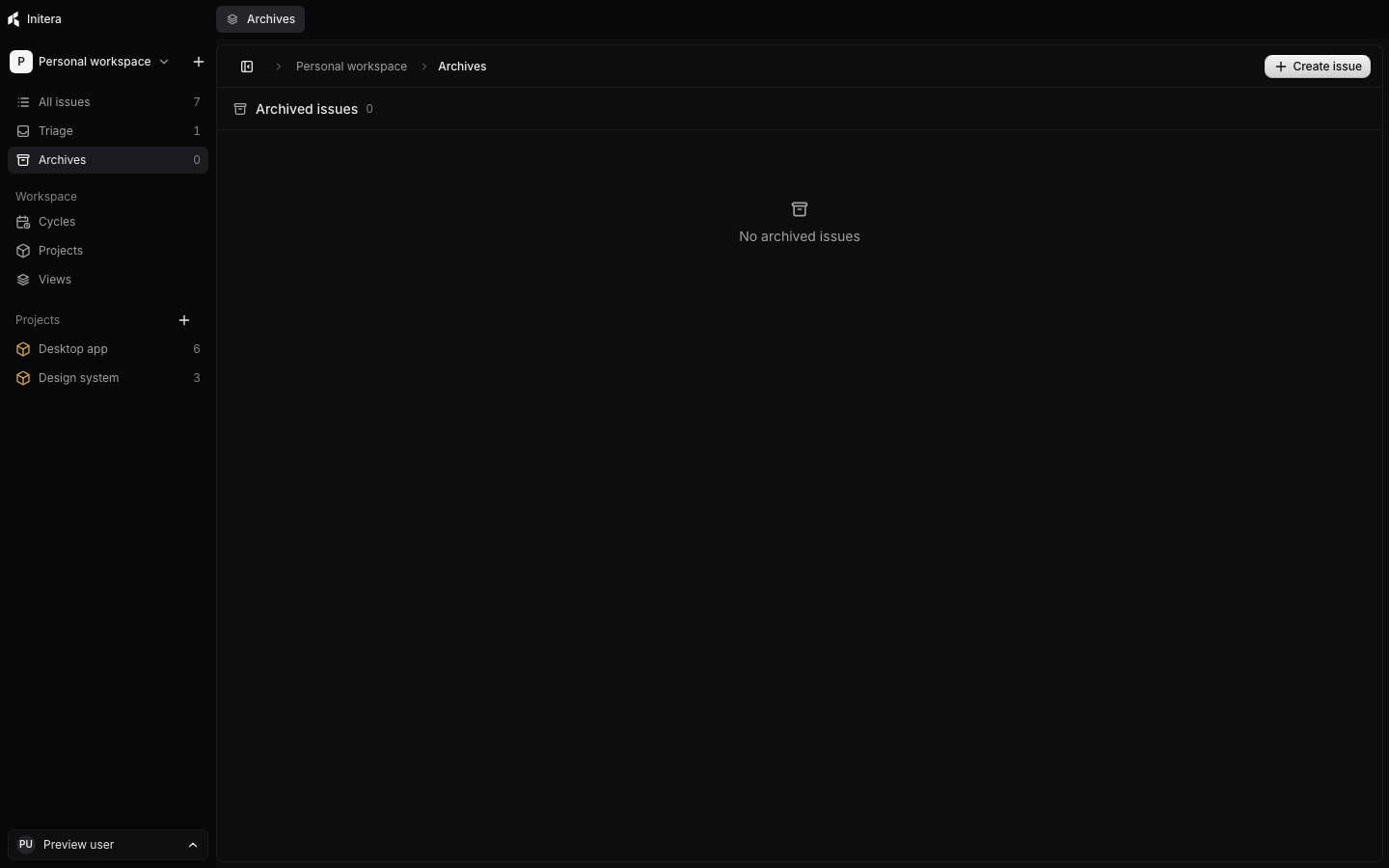
Open Archives in the sidebar. Find the issue and select Restore. Check its status and parent after restoration. If the original parent is no longer available, you can restore the child as a top-level issue.
Delete an archived issue
Select Delete from Archives when you intend to remove the issue permanently. The confirmation asks what to do with its children: delete them, leave them as top-level issues, or move them to another parent. Check the affected count and destination before you confirm. You cannot restore a permanently deleted issue from Archives; use a prior backup if you need to recover data from before deletion.
Projects use Archive and trash on the Projects page. Labels use Archive, Restore, and Trash in Settings. Those controls have different effects, so review each confirmation on the object you are changing.