
Local first
A workspace you can keep.
You can start Initera without an account. The desktop app keeps your workspace data in a local database and stores uploaded images as files in its media folder.
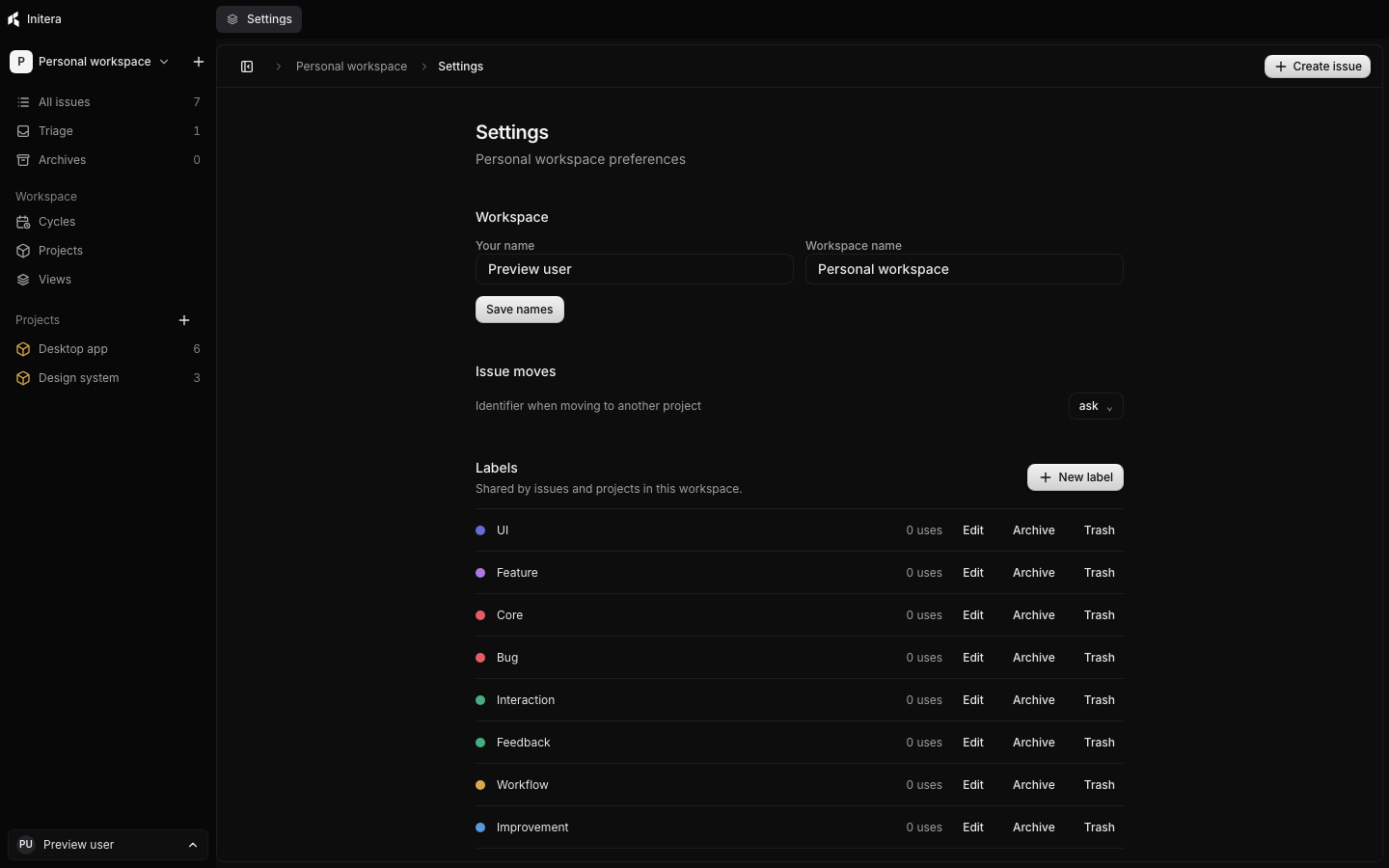
Find your files
Workspace settings show the data folder used by this installation. The database contains your records; images live in a neighboring media folder.
Make a backup
Use the backup controls in Settings to save a copy. The backup includes the database and its images. Keep a copy somewhere separate from the computer you use every day.
Restore or move
Import the backup on another installation and review it before restoring. The backup guide covers the steps and what will be replaced.
What about sync?
The current desktop release does not sync workspaces between computers. Accounts, teams, and a self-hosted backend are planned. Backups are the supported way to transfer a workspace today.
Read the backup guide